
support@toolsyindia.com
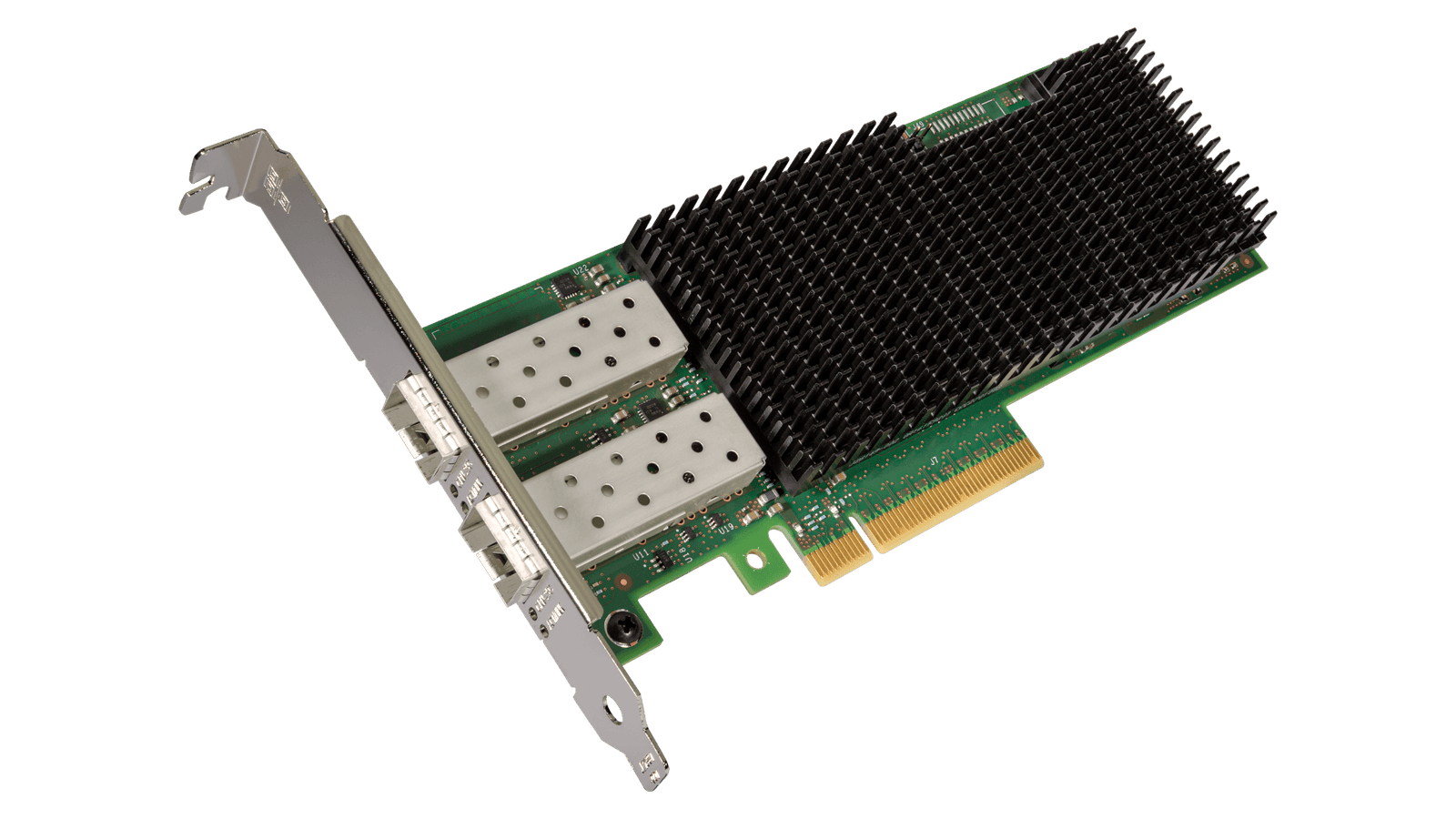
System Requirements
FreeBSD, Linux , VMWare ESXi, Win-server2012 R2/ Win-server2008 R2.
One available PCI Express x8/x16 slot
Cabling Requirements: Intel 10/25 Gigabit adapters
SFP+ Module Laser wavelength: 850 nanometer (not visible).
LC Cable type:
Multi-mode fiber with 50 micron core diameter, maximum length is 550 meters.
Multi-mode fiber with 62.5 micron core diameter, maximum length is 275 meters.
Connector type: LC.
SFP+ Module laser wavelength: 1310 nanometer (not visible).
LC Cable type:
Multi-mode fiber with 9 micron core diameter, maximum length is 3K meters.
10 /25 Gigabit Ethernet over SFP+ Direct Attached cable (Twinaxial).
Length 10 meters max.
Hardware installation
1. Turn off the computer and unplug the power cord.
2. Remove the computer cover and the adapter slot cover from the slot that matches your adapter.
3. Insert the adapter edge connector into the slot and secure the bracket to the chassis.
4. Replace the computer cover, then plug in the power cord.
5. Power on the computer.
Install Drivers and software
Windows ○R Operating Systems
You must have administrative rights to the operating system to install the drivers.
1. Insert the CD driver bound with Intel network driver into your CD-ROM drive (also you can download
the latest drivers from support website).
2. If the Found New Hardware Wizard screen is displayed, click Cancel.
3. Start the Autorun located in the software package, the Autorun may automatically start after you have
extracted files.
4. Click Install Drivers and Software.
5. Follow the instructions in the install wizard to finish it.
Installing Linux Drivers from Source Code
1. Download and expand the base driver tar file.
2. Compile the driver module.
3. Install the module using the modprobe command.
4. Assign an IP address using the ifconfig command.
There is £4.99 charge for delivery under £50 Orders. Additional charges will be imposed by our couriers for delivery to remote area, a surcharge may be levied to cover carriage to these areas.
Intel XXV710 PCIe x8 Dual Port 25G SFP+ Server Card
₹99,999.00 Original price was: ₹99,999.00.₹48,970.00Current price is: ₹48,970.00.
System Requirements
FreeBSD, Linux , VMWare ESXi, Win-server2012 R2/ Win-server2008 R2.
One available PCI Express x8/x16 slot
Cabling Requirements: Intel 10/25 Gigabit adapters
SFP+ Module Laser wavelength: 850 nanometer (not visible).
LC Cable type:
Multi-mode fiber with 50 micron core diameter, maximum length is 550 meters.
Multi-mode fiber with 62.5 micron core diameter, maximum length is 275 meters.
Connector type: LC.
SFP+ Module laser wavelength: 1310 nanometer (not visible).
LC Cable type:
Multi-mode fiber with 9 micron core diameter, maximum length is 3K meters.
10 /25 Gigabit Ethernet over SFP+ Direct Attached cable (Twinaxial).
Length 10 meters max.
Hardware installation
1. Turn off the computer and unplug the power cord.
2. Remove the computer cover and the adapter slot cover from the slot that matches your adapter.
3. Insert the adapter edge connector into the slot and secure the bracket to the chassis.
4. Replace the computer cover, then plug in the power cord.
5. Power on the computer.
Install Drivers and software
Windows ○R Operating Systems
You must have administrative rights to the operating system to install the drivers.
1. Insert the CD driver bound with Intel network driver into your CD-ROM drive (also you can download
the latest drivers from support website).
2. If the Found New Hardware Wizard screen is displayed, click Cancel.
3. Start the Autorun located in the software package, the Autorun may automatically start after you have
extracted files.
4. Click Install Drivers and Software.
5. Follow the instructions in the install wizard to finish it.
Installing Linux Drivers from Source Code
1. Download and expand the base driver tar file.
2. Compile the driver module.
3. Install the module using the modprobe command.
4. Assign an IP address using the ifconfig command.
System Requirements
FreeBSD, Linux , VMWare ESXi, Win-server2012 R2/ Win-server2008 R2.
One available PCI Express x8/x16 slot
Cabling Requirements: Intel 10/25 Gigabit adapters
SFP+ Module Laser wavelength: 850 nanometer (not visible).
LC Cable type:
Multi-mode fiber with 50 micron core diameter, maximum length is 550 meters.
Multi-mode fiber with 62.5 micron core diameter, maximum length is 275 meters.
Connector type: LC.
SFP+ Module laser wavelength: 1310 nanometer (not visible).
LC Cable type:
Multi-mode fiber with 9 micron core diameter, maximum length is 3K meters.
10 /25 Gigabit Ethernet over SFP+ Direct Attached cable (Twinaxial).
Length 10 meters max.
Hardware installation
1. Turn off the computer and unplug the power cord.
2. Remove the computer cover and the adapter slot cover from the slot that matches your adapter.
3. Insert the adapter edge connector into the slot and secure the bracket to the chassis.
4. Replace the computer cover, then plug in the power cord.
5. Power on the computer.
Install Drivers and software
Windows ○R Operating Systems
You must have administrative rights to the operating system to install the drivers.
1. Insert the CD driver bound with Intel network driver into your CD-ROM drive (also you can download
the latest drivers from support website).
2. If the Found New Hardware Wizard screen is displayed, click Cancel.
3. Start the Autorun located in the software package, the Autorun may automatically start after you have
extracted files.
4. Click Install Drivers and Software.
5. Follow the instructions in the install wizard to finish it.
Installing Linux Drivers from Source Code
1. Download and expand the base driver tar file.
2. Compile the driver module.
3. Install the module using the modprobe command.
4. Assign an IP address using the ifconfig command.
There is £4.99 charge for delivery under £50 Orders. Additional charges will be imposed by our couriers for delivery to remote area, a surcharge may be levied to cover carriage to these areas.
Reviews
There are no reviews yet.
16 in stock
- Free shipping on all orders above 2,000
- No hassle returns, 10 days return
- Delivery within 7-10 days
Got Questions?
Feel free to Get in touch
Related products
4 in stock
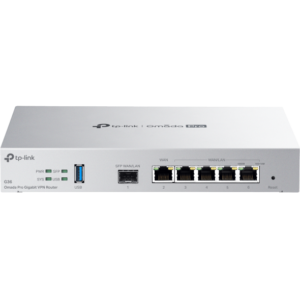
TP-Link G36 Omada Pro Gigabit VPN Router
9 in stock
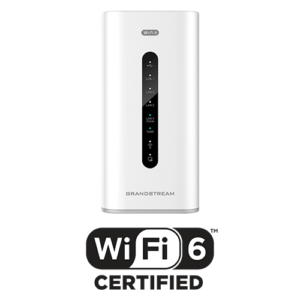
Grandstream GWN7062 1.77Gbps Wi-Fi 6 Mesh Router
9 in stock
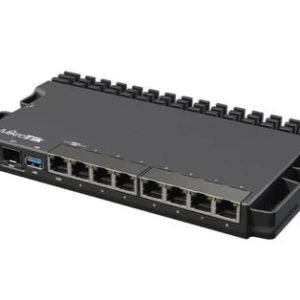
MikroTik RB5009UPr+S+IN 1.4GHz 1GB 7xGb 1×2.5Gb 1xSFP+ Router
9 in stock
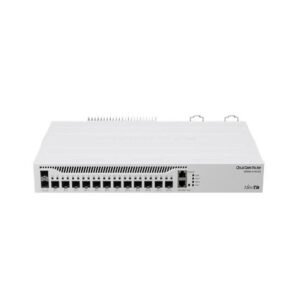
MikroTik CCR2004-1G-12S+2XS Cloud Core Router
9 in stock
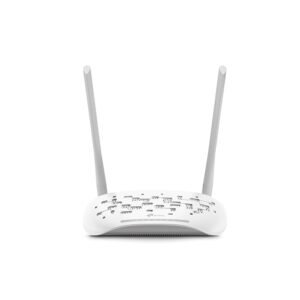
TP-Link XN020-G3v 300Mbps Wireless N Gigabit VoIP GPON Router
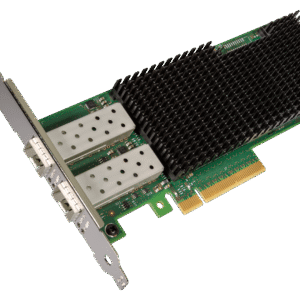 Intel XXV710 PCIe x8 Dual Port...
₹99,999.00 Original price was: ₹99,999.00.₹48,970.00Current price is: ₹48,970.00.
16 in stock
Reviews
There are no reviews yet.